Screen guide
Read the lottery screen before the screen reads you.
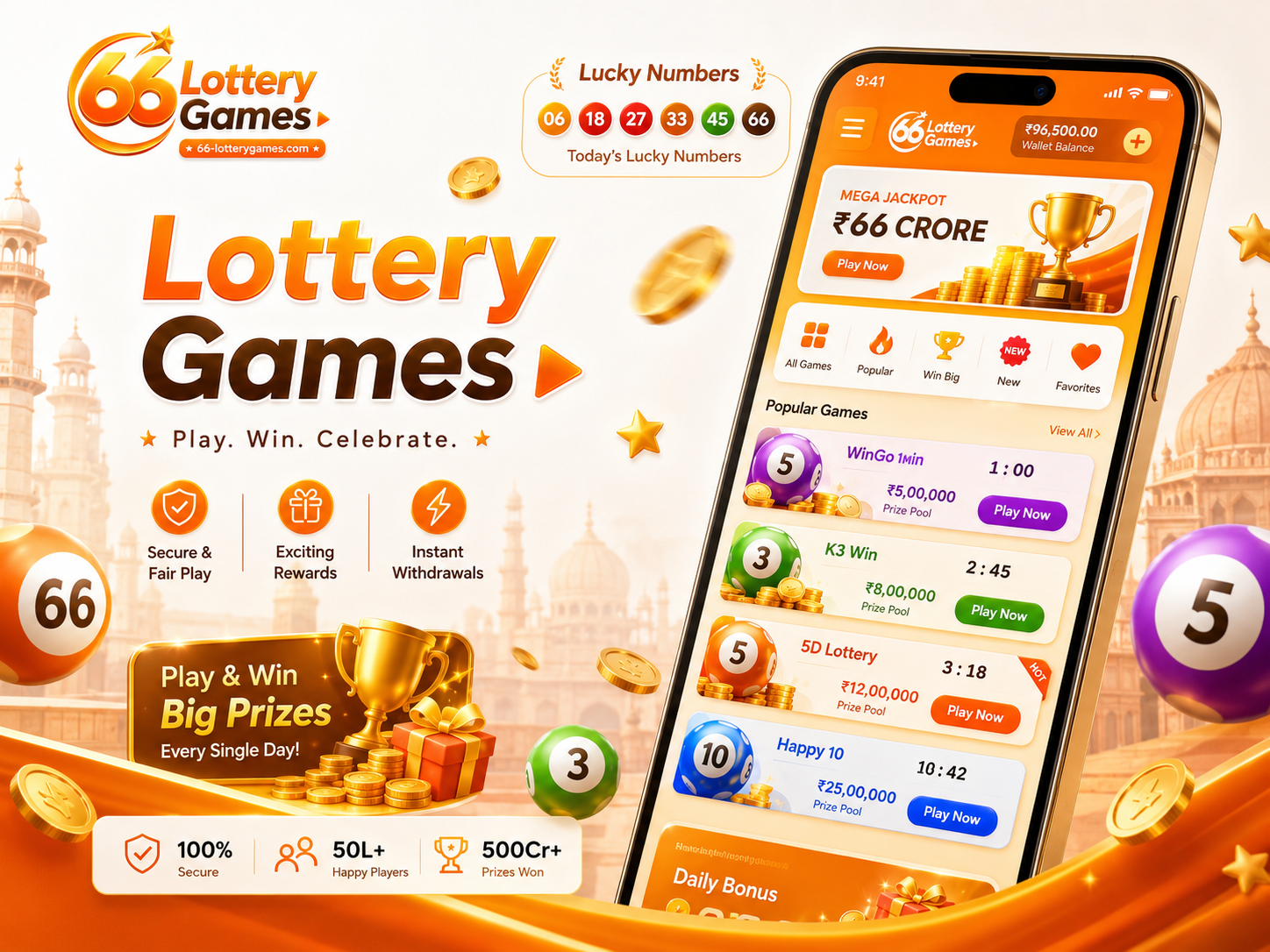
Lottery-style apps often use speed, shine, and stacked cards. This guide helps adults separate decoration from useful signals: room name, timer, number board, colour panel, result area, and prompt state.
How do you play 66 Lottery?
Start by opening the official rules for the exact game and round shown on your screen. Confirm the room name, available number choices, closing time, entry details and result area before taking any action. Rules can differ between services, so this screen guide explains what to check rather than claiming one universal set of 66 Lottery rules.
A simple screen-reading order
Read the screen in this order: game and room name, round status, timer, labelled choices, confirmation prompt, then the published result. If a number row is not clearly labelled as a choice, previous result or example, do not guess what it means.
Before confirming a choice
Check that the round is still open and that the amount, selection and confirmation message agree. Re-read the service's rules when the screen refreshes or the timer changes. Never treat colours, animations or earlier numbers as a promise of the next outcome.
After the round closes
Use only the result panel identified for that round. Match the round reference and time before comparing any numbers. If the result area is unclear, leave the screen and check the service's official history instead of relying on a screenshot or memory.
Start at the top
The header usually tells you the app area, wallet-style display, or game family. Treat the top row as context, not as proof that a room is right for you.
Read the card state
A room card may be open, closed, waiting, or showing old round data. Compare the label with the timer before tapping anything.
Separate numbers
Number balls can mean choices, previous results, sample graphics, or game decoration. Trust the label near the row, not the colour alone.
Watch small prompts
A tiny message can change the next action. If it asks for personal details or payment action, pause and read the terms shown by that app.
Check motion
Animations can make a screen feel urgent. Wait for the round panel to settle before deciding what it is showing.
Know when to leave
Close the screen when the clock feels rushed, when labels conflict, or when you are continuing only because the next round is close.
1. Confirm what the screen is showing
Start with the page name, room label and visible round state. Do not assume that a bright number is a current choice or result until the nearby label confirms it.
2. Match the timer to the round
Check whether the timer belongs to the current round, a waiting period or a finished result. If the state changes while you are reading, pause and begin the check again.
3. Read rules before taking any action
Use the rules shown by the service you are viewing. This website explains screen-reading habits only; it does not operate 66 Lottery, accept entries or publish winning instructions.
4. Stop when the information conflicts
Leave the screen when the room name, number row, timer or prompt do not agree. A clear decision requires clear information, and no pattern can guarantee an outcome.
Are the visible numbers always playable choices?
No. A row may show available choices, a previous result, an example or decoration. Use the nearby label and round state to identify it. The number board guide explains the common screen signals.
Can colours or recent results predict the next round?
No screen colour, animation or recent sequence can guarantee a future result. Treat those elements as interface information only, and do not increase an entry because a pattern looks persuasive.
What should I do if the timer changes while reading?
Stop and restart the check from the room name and round status. Do not confirm against a screen that may now belong to a different round. Use the room check notes when labels or timing conflict.
Is this an official 66 Lottery service?
No. 66 Lottery Games is an independent adult information site. It does not accept entries, collect payments, publish official results or provide guaranteed winning instructions.